> For the complete documentation index, see [llms.txt](https://docs.saros.xyz/llms.txt). Markdown versions of documentation pages are available by appending `.md` to page URLs; this page is available as [Markdown](https://docs.saros.xyz/kr/saros-mobile-app/mobile-app/how-to-log-in-to-social-account.md).
# 소셜 계정 로그인 방법
Before you get started, please ensure you have an active social media account (e.g., Facebook, Google, Apple) that you intend to use to log in.
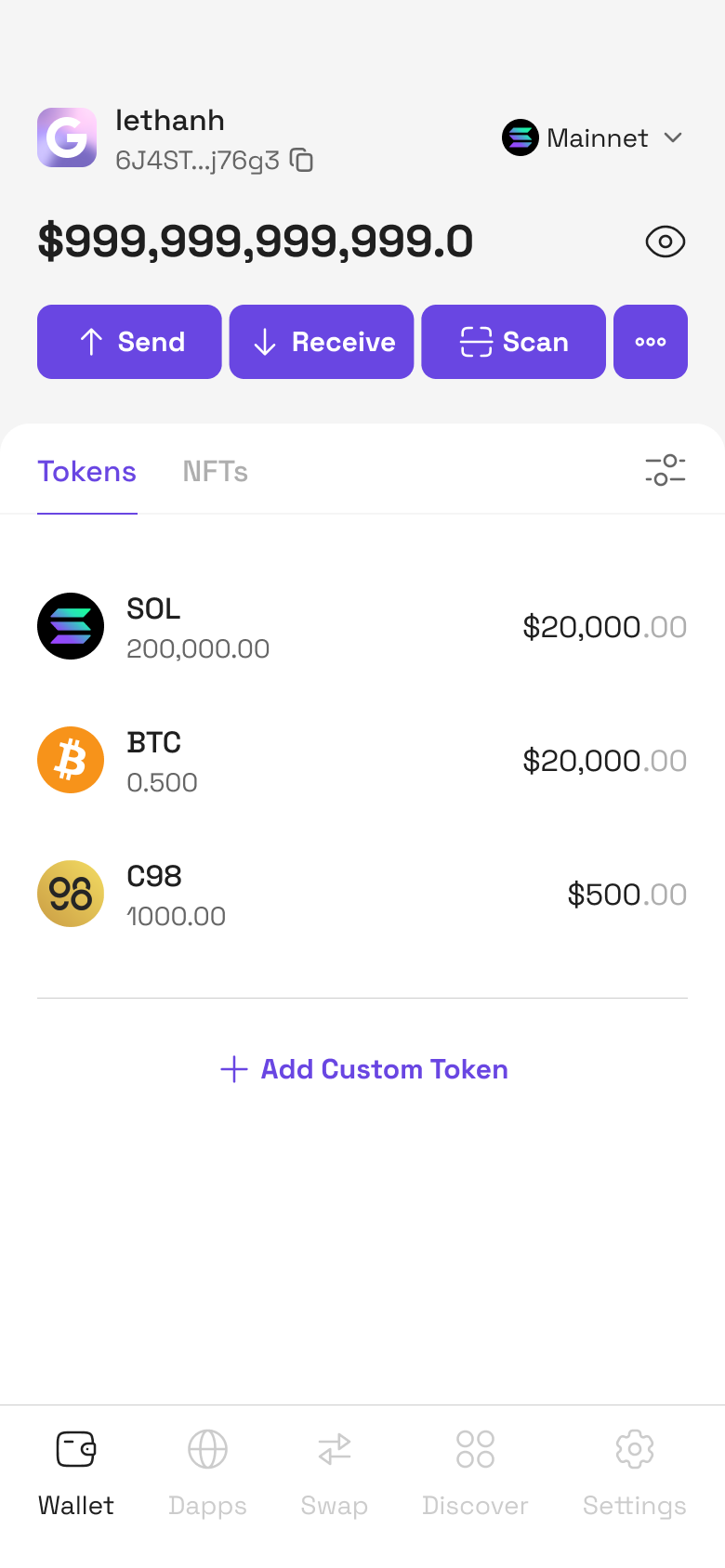
**Step 1**: Access to Saros Super App
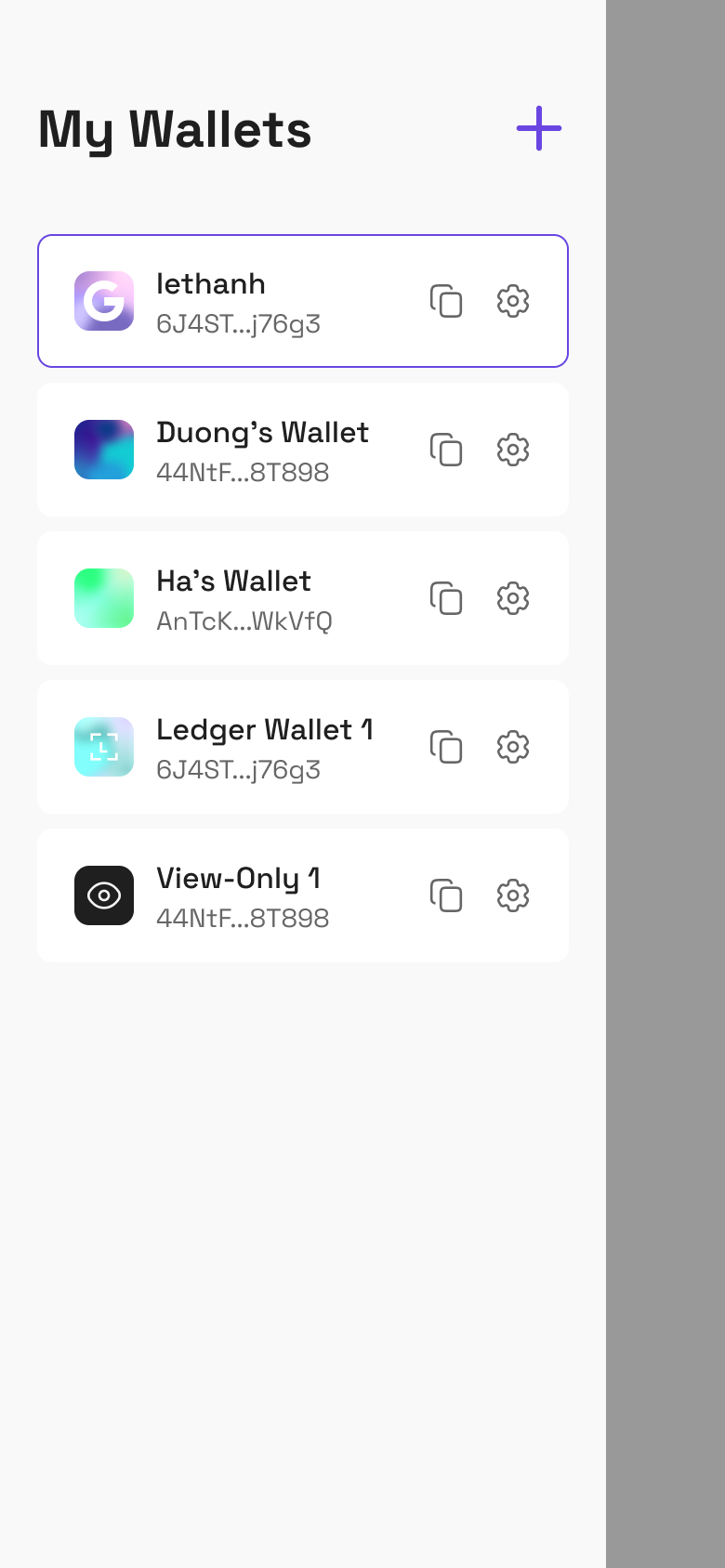
**Step 2**: Click Wallet section at the top left corner, then Click **+** Icon on the top right corner
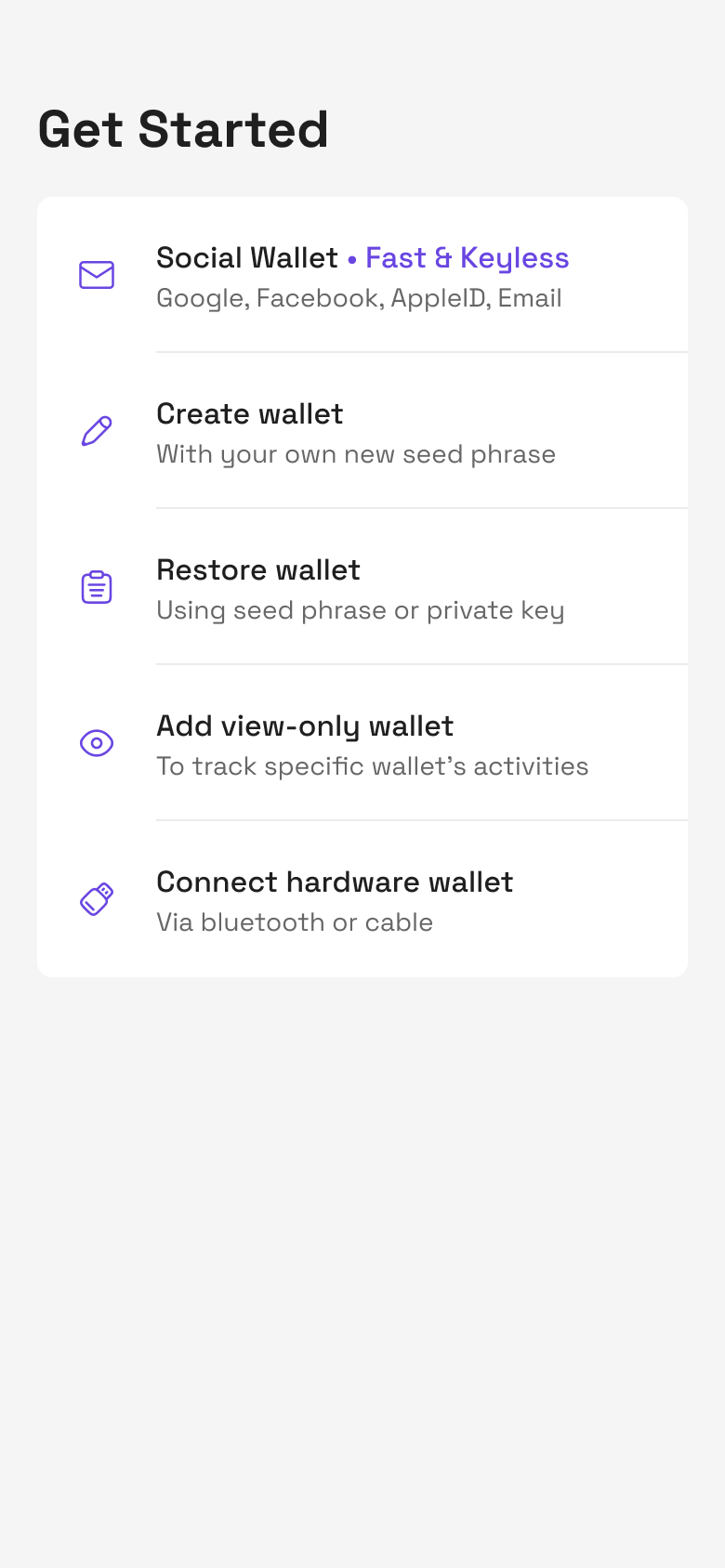
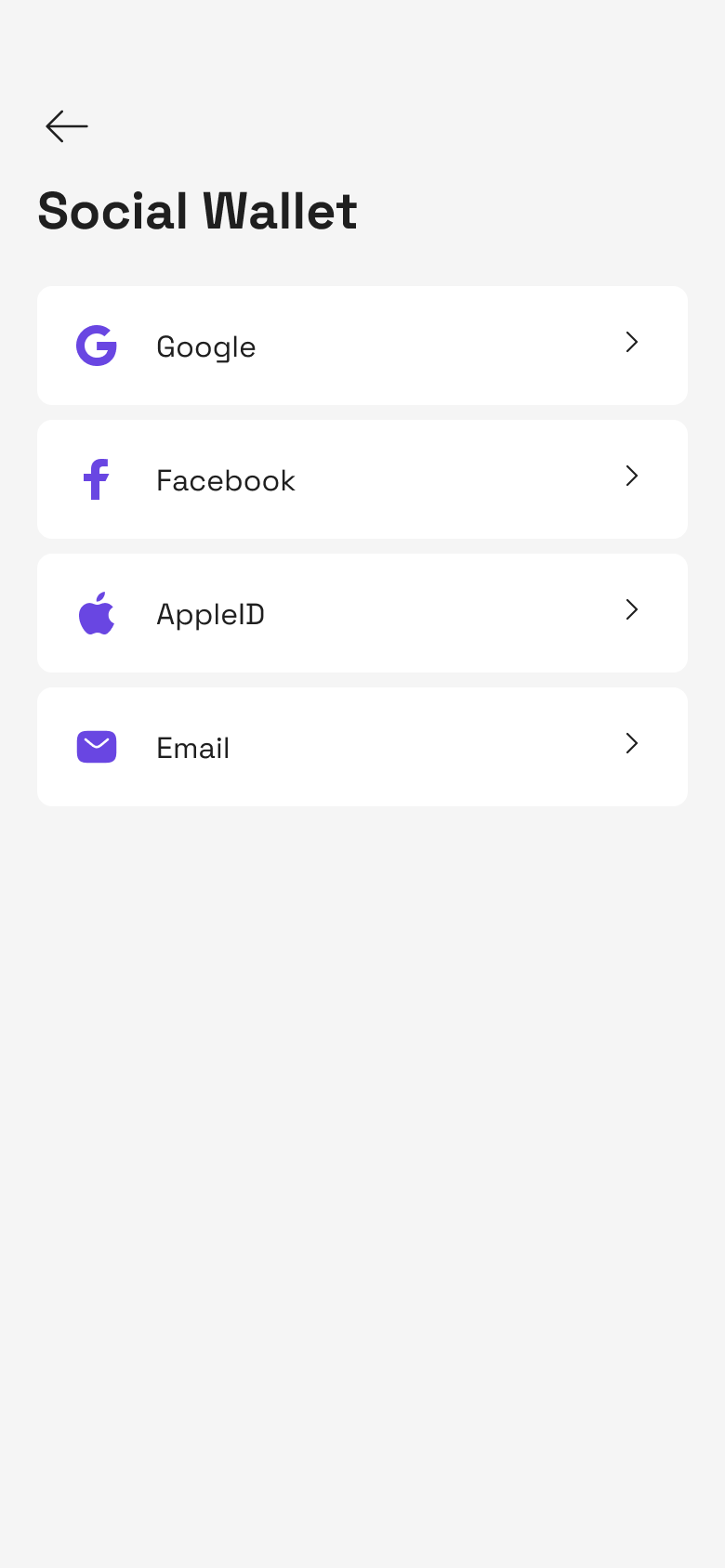
**Step 3**: Select Social Wallet section, then it will switch to the screen showing all supported platforms
* If user selects Facebook or AppleID, proceed to **Step 4**
* If user selects Google, Email, proceed to **Step 5**
**Step 4**: Choosing the Social Platform
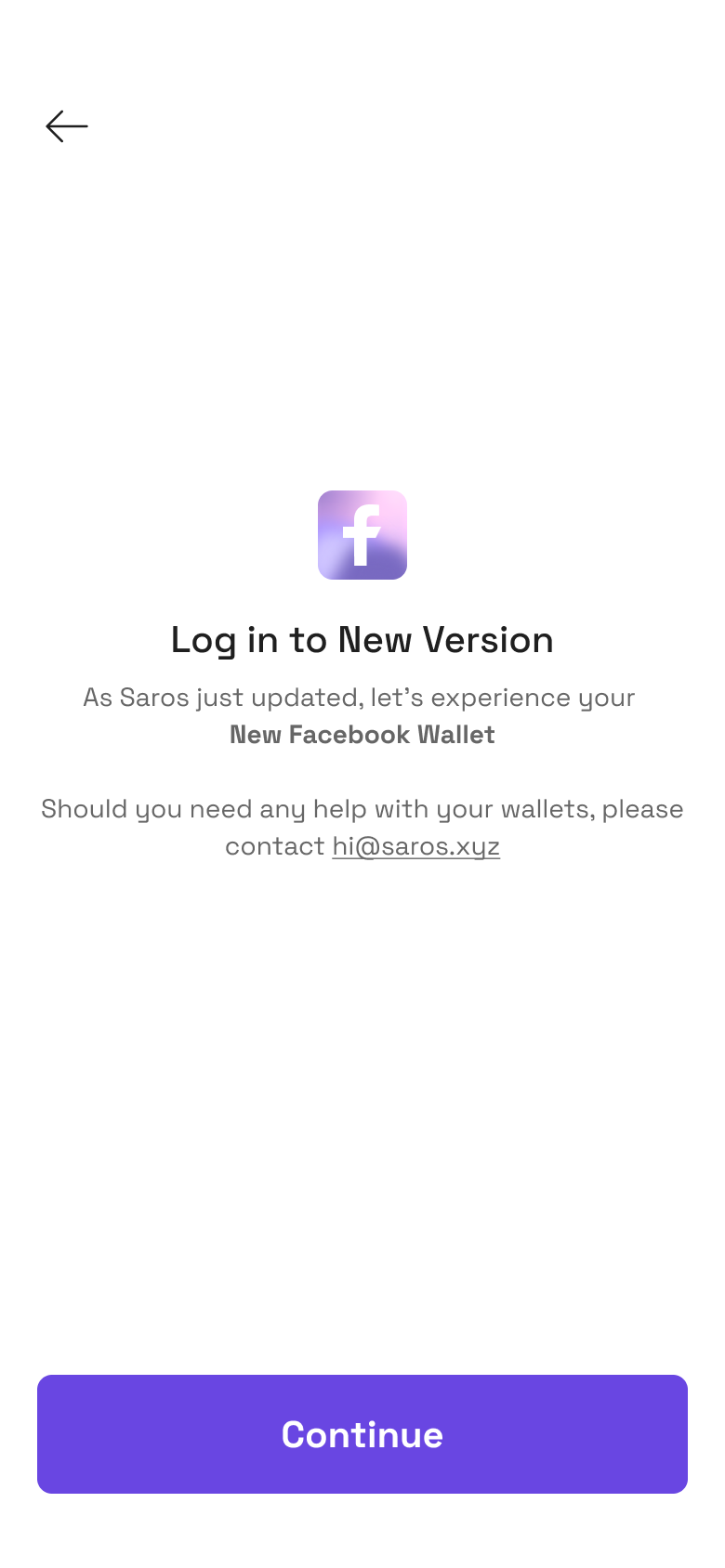
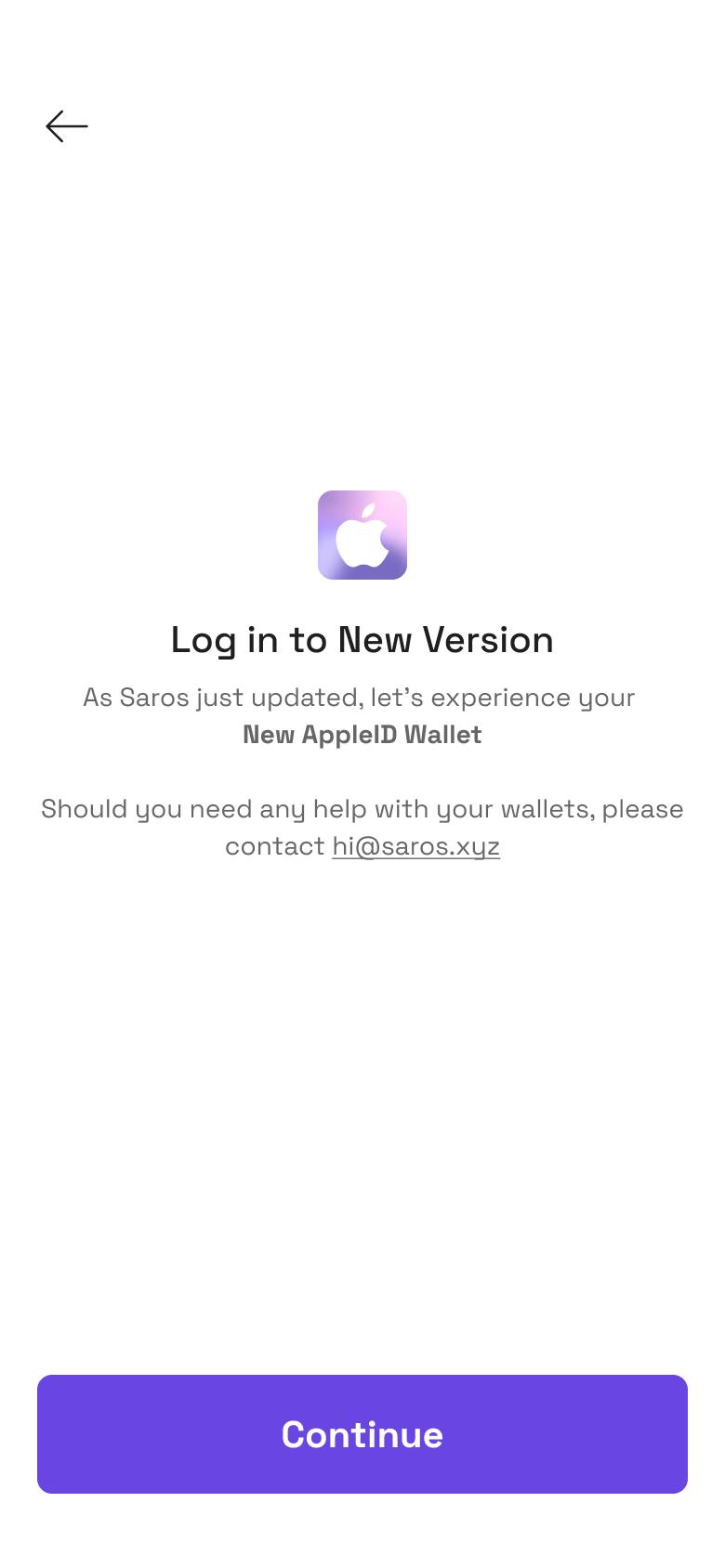
* With **AppleID, Facebook** after selecting a social media platform, you will see an introduction screen
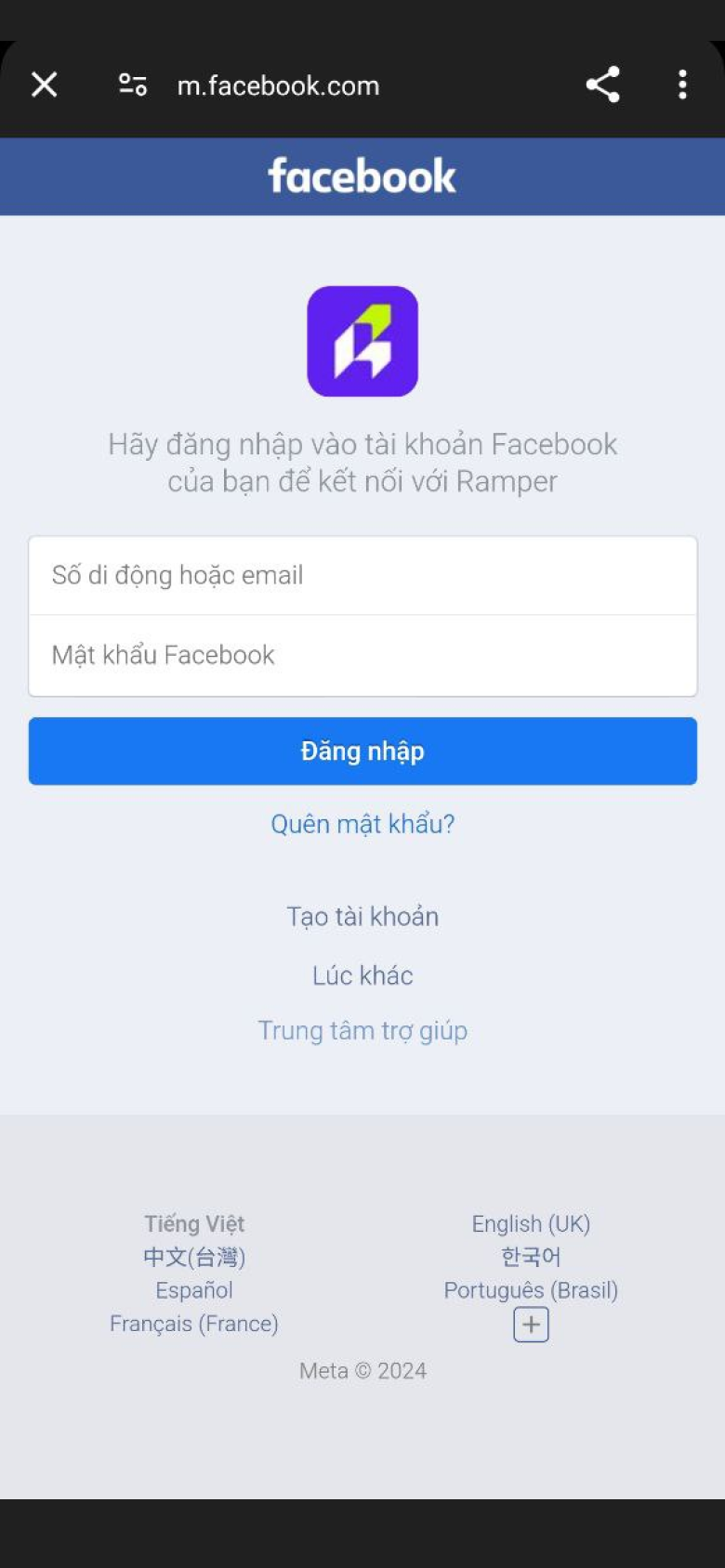
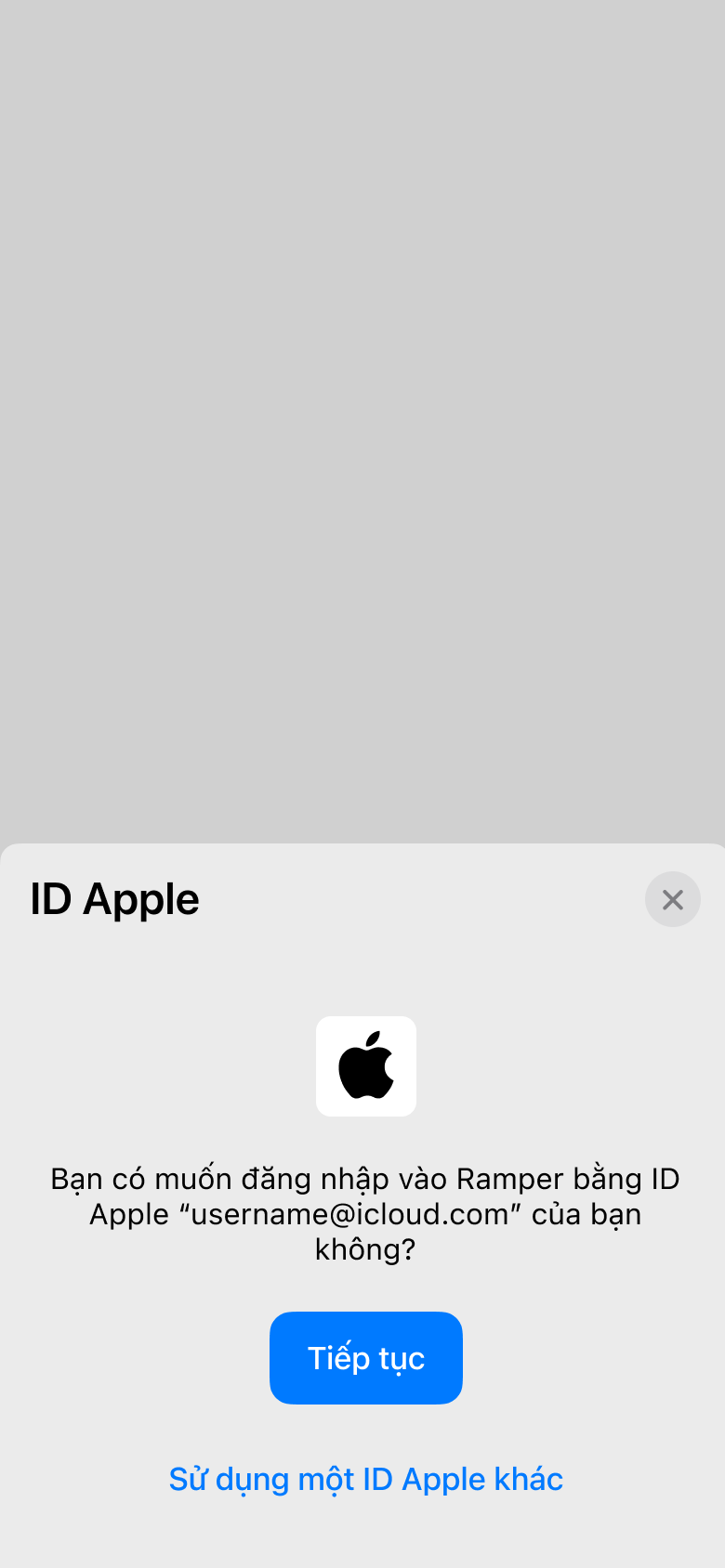
* Click **Continue** button to enable authentication depending on each platform (eg Facebook or AppleID)
**Step 5**: Authorizing Access
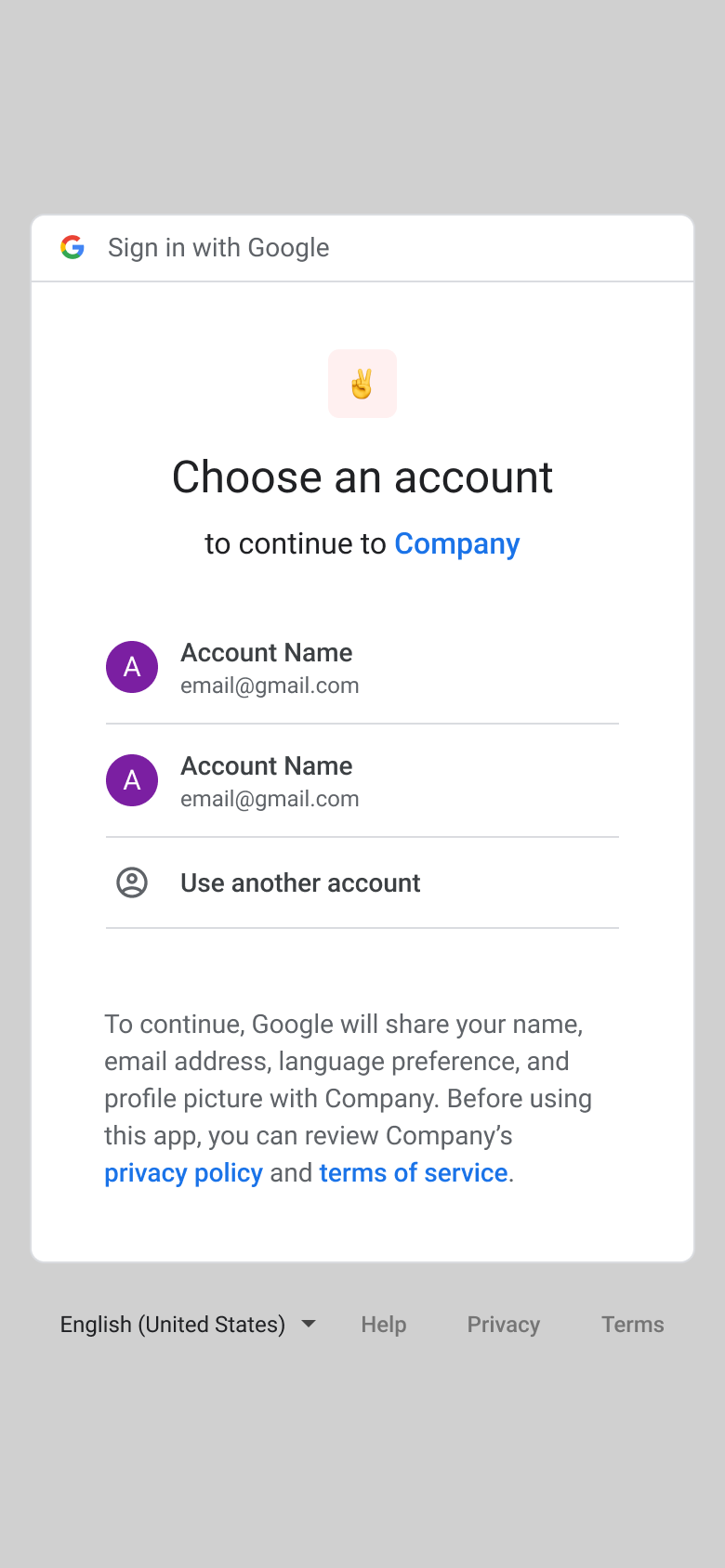
* **With Google**, you will be redirected to the login page of the selected social media platform.
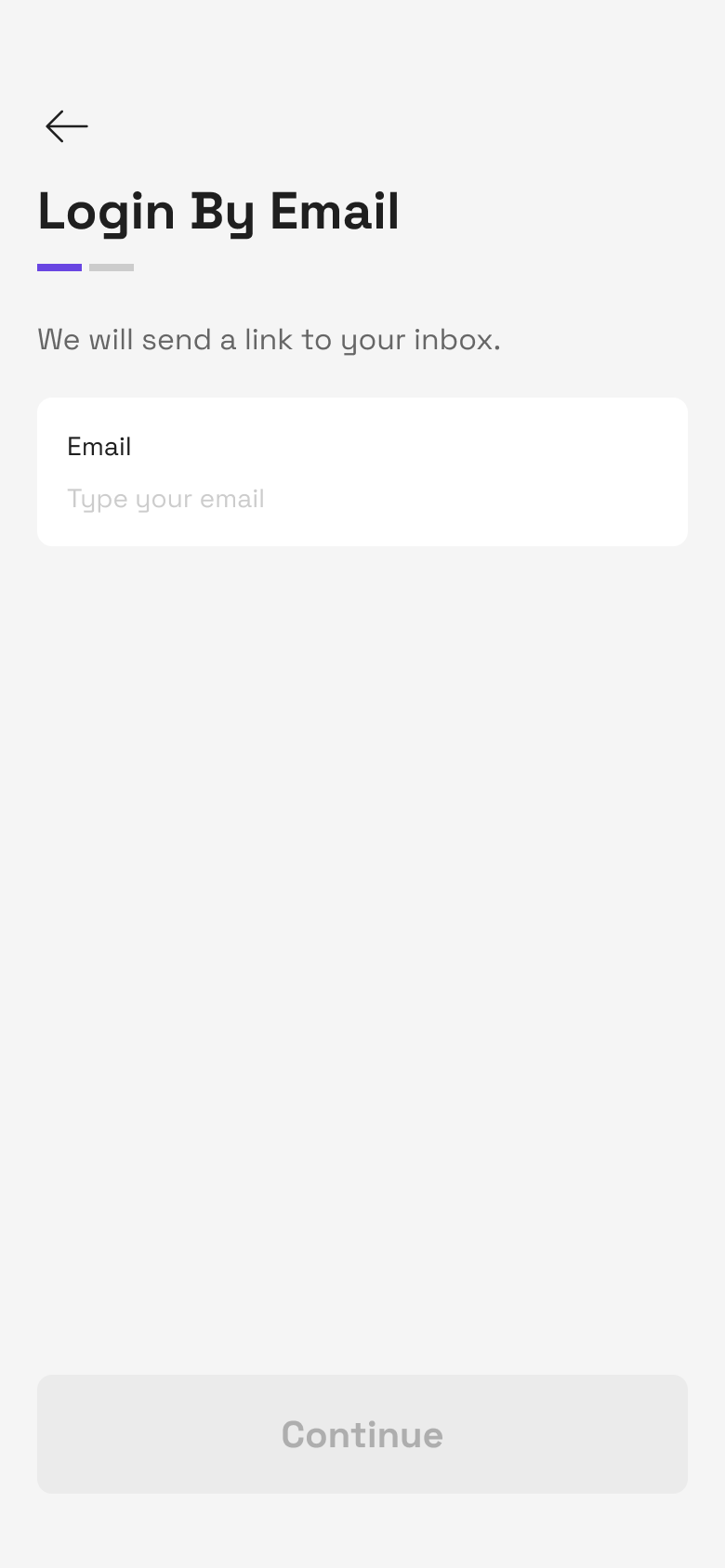
* **With Email**, you will see the "**Login with Email**" screen to enter your email, and the Saros system will send a verification email to your email inbox. Please confirm to continue the process
Step **6**:
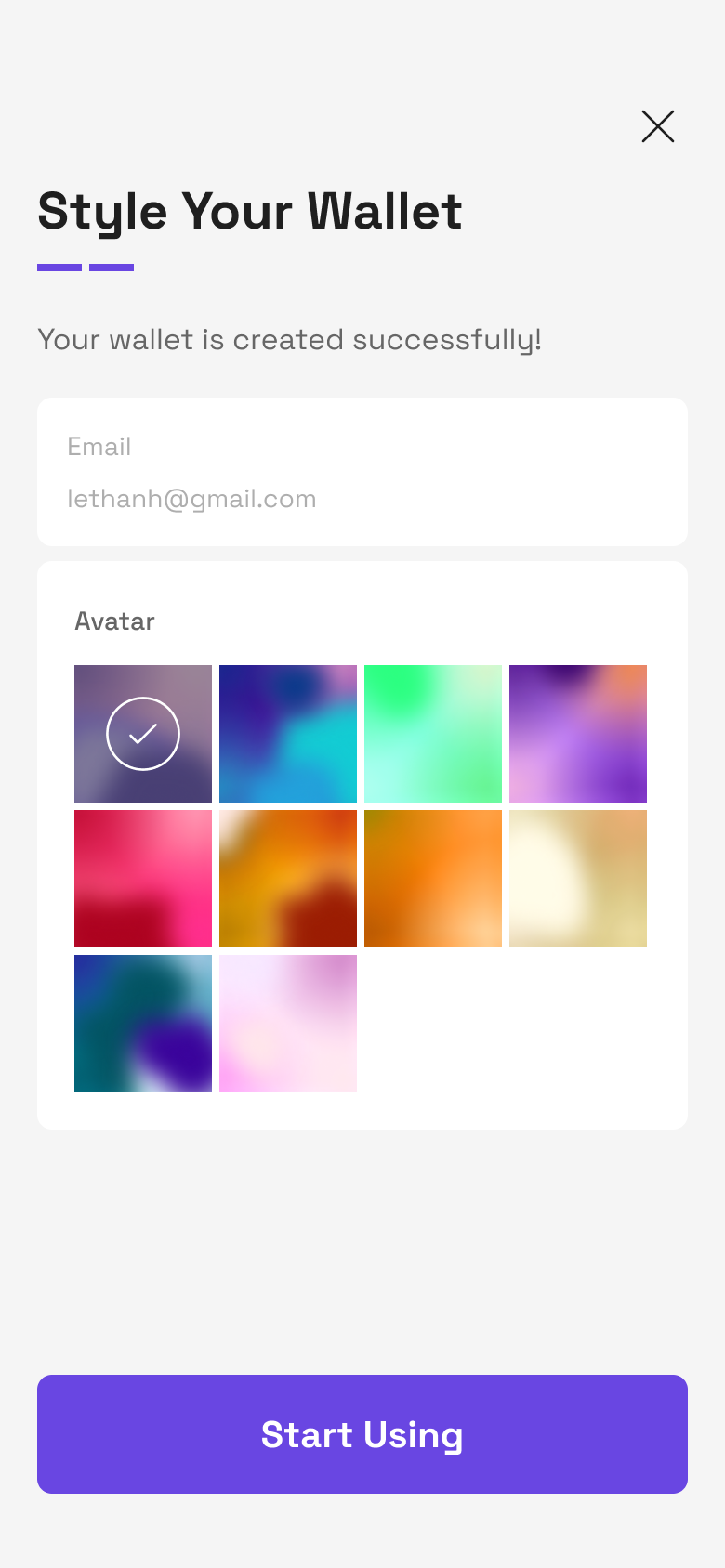
* After successfully logging into your Social account, you can customize your wallet avatar (you **cannot** customize your wallet name)
* Click **Start Using** button to use newly created wallet